CCM-Client Integration
CCM -- Client Integration
Log in to your Data Governance Tool (DGT) dashboard.
In the left-side panel, locate and click on "Cookie Settings".
From the list of websites shown in the left panel, click on your website.
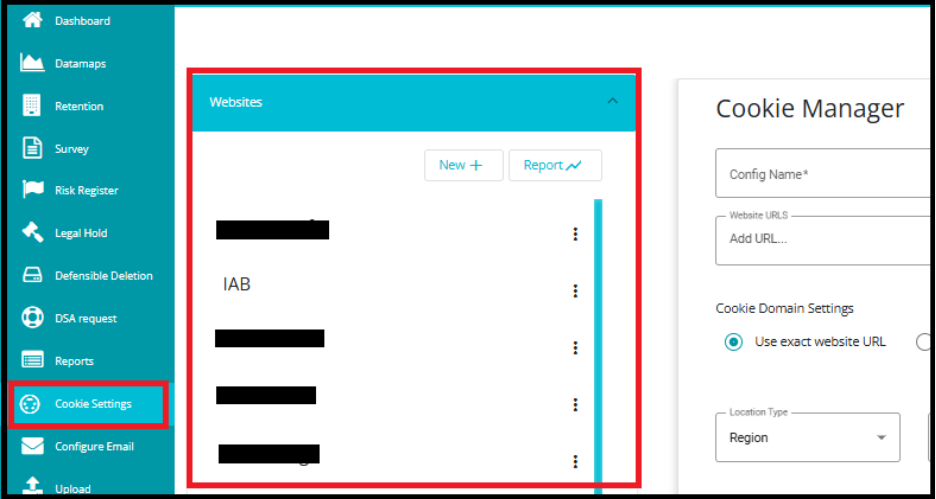
This will open the configuration options for that specific site.
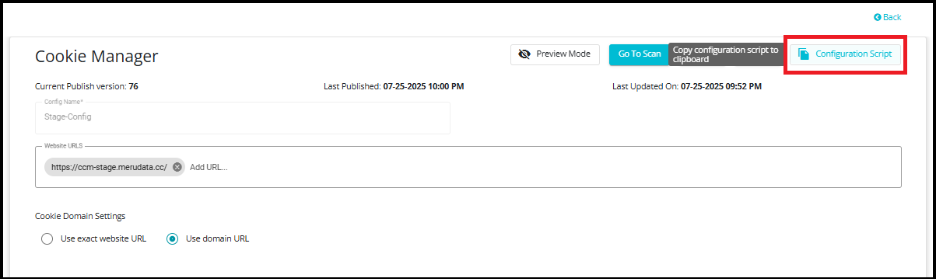
Click on the "Configuration Script" option.
The script will automatically be copied to your clipboard.
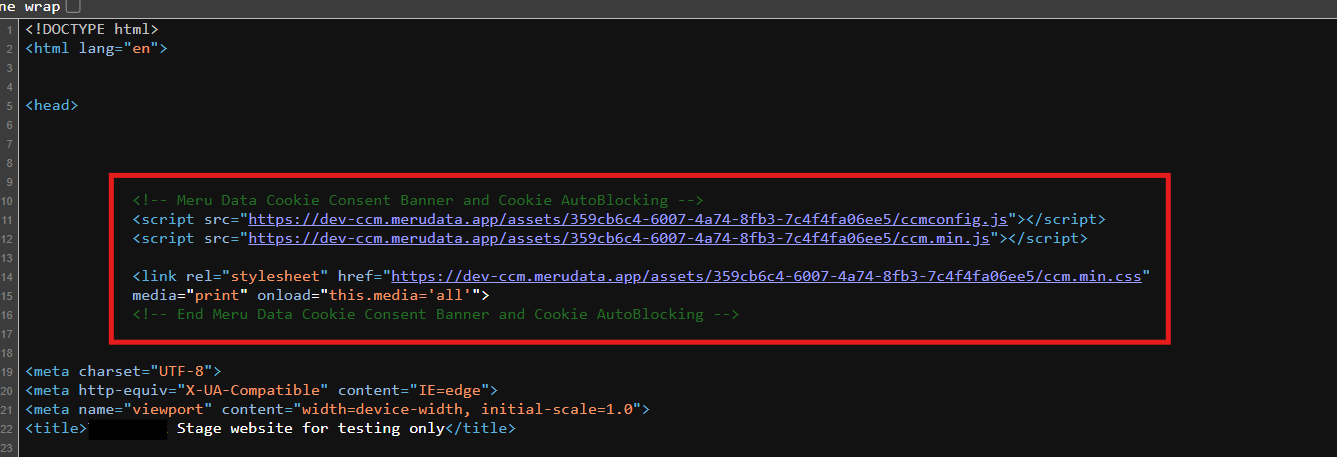
- Place the script in the <head> </head> section in the index.html of your website, as shown in the image.